A comment pinned to a website is only useful if the pin is still on the right thing next week. Here is how ReviewMySites keeps it there, and what it does when it cannot.
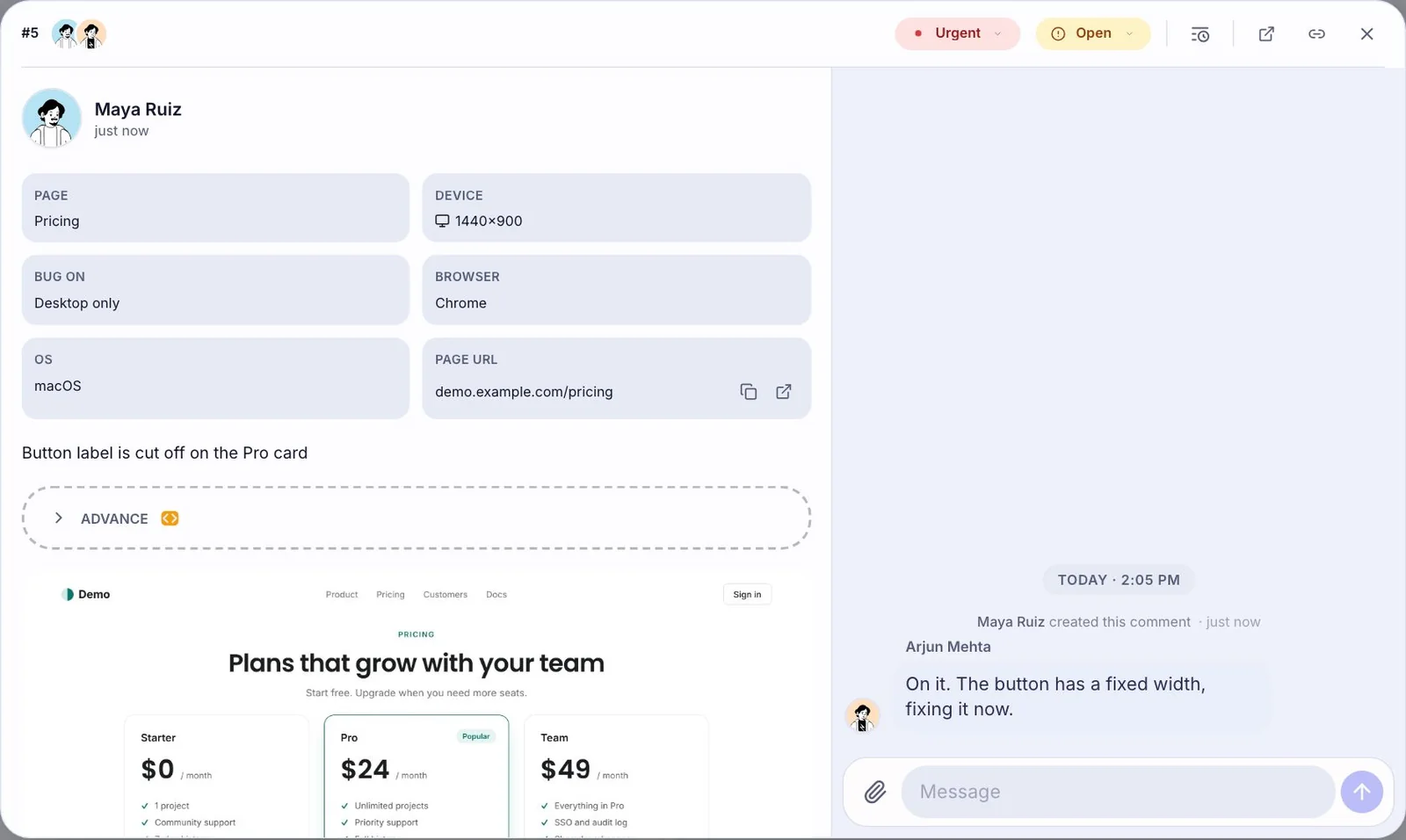
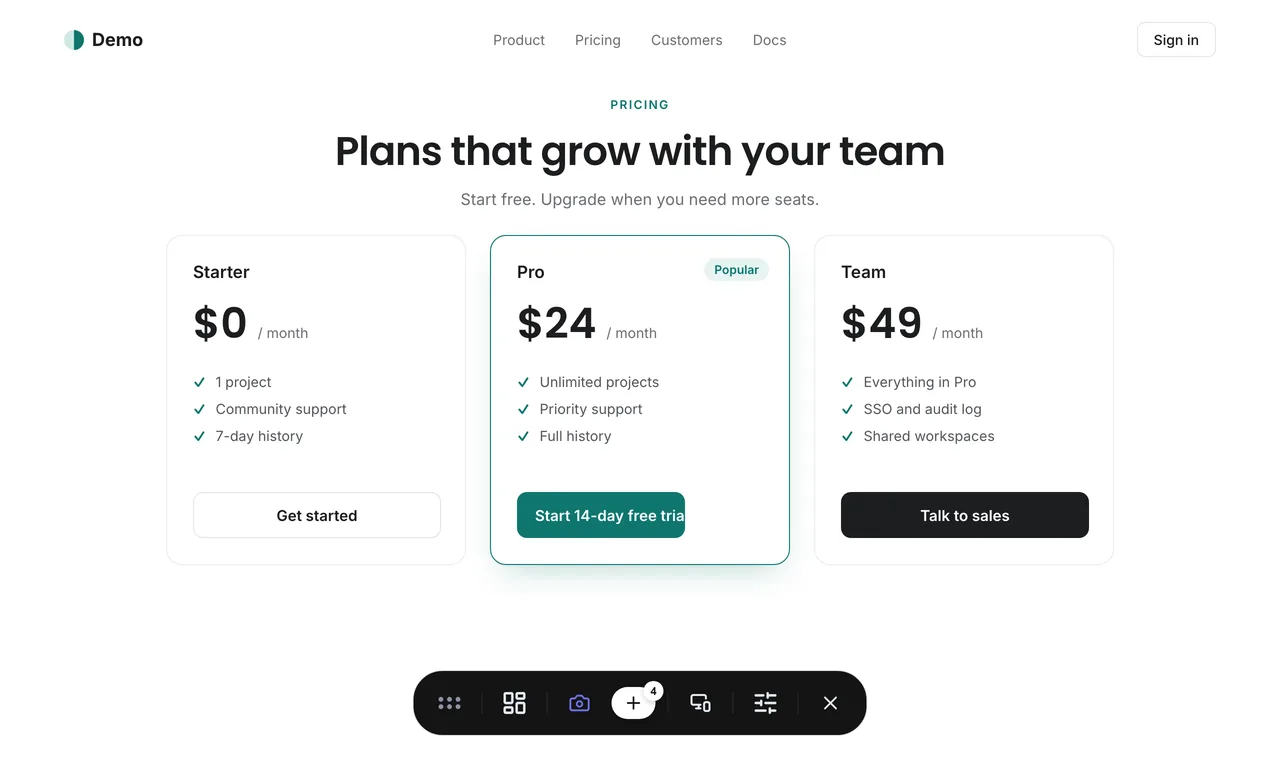
Your client clicks the “Book a call” button and writes “make this green”. Easy. Then your developer ships a new hero section, the button moves 300 pixels down, the font loads a bit later, and the client opens the page on a laptop instead of the big monitor they used yesterday.
Where should the pin be now? On the button, obviously. Getting there is the interesting part.
Why a position is not enough
The simple way to pin a comment is to save where on the screen it was left: 640 pixels across, 1,200 down. That works until anything changes. A different window width reflows the page. A banner above it pushes everything down. A redesign moves the button to another column. The pin stays at 640 by 1,200, now pointing at a paragraph about pricing.
Worse, it does so with total confidence. Nothing about the pin says it is lost. Someone reads “make this green”, looks at the paragraph, and either does something strange or wastes ten minutes asking.
Remembering the element, not the spot
So a ReviewMySites pin remembers the element it was left on, in several independent ways, the way you might describe a house to someone: the street, the colour of the door, what is next to it.
- Where it sits in the page's structure.
- What it says and what kind of thing it is: a button, a heading, an image.
- Its neighbours and the section it lives in.
- Where inside the element the click landed, so the pin sits on the same part of it at any size.
When the page loads, each pin looks for the element that best matches that description. One clue changing is normal (a class name gets renamed, a heading gets a new word), so no single clue decides. The element that agrees with most of them wins, and the pin is drawn on it at the same relative spot.
When the element is really gone
Sometimes nothing matches well. The button was removed, or the whole section was rebuilt. This is the case that matters most, and it is where we made the one rule we never bend:
A pin that cannot find its element moves to the nearest parent that still exists, and says so.
The pin is marked as approximate. It sits on the section the button used to be in, which is still useful (“something in the hero”), and it does not pretend to be more. A pin that lands confidently on the wrong element is the worst outcome, because nobody can tell it is wrong. A pin on the right section that admits it is approximate is honest and visible.
We measure the anchoring engine on real pages through reloads, resizes, reordering and full rebuilds. The number we care about most is not how often a pin finds its element. It is how often a pin ends up confidently on the wrong one, and the goal for that number is zero.
What you can do as the author
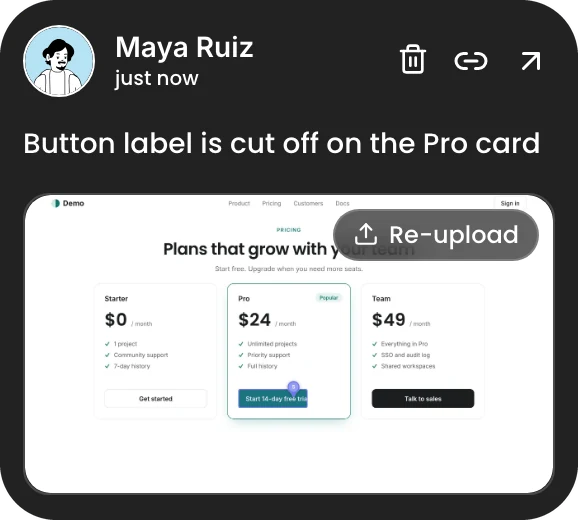
If a page changed so much that your own pin is now approximate, hover it and press Retake. Click the right element, and the pin moves there with a fresh screenshot. Only the author can do that: deciding what someone else's comment points at would be rewriting their words.
That is the whole idea. Pins follow your site as it changes, and when they cannot, they tell you. Want to see it? Set up a project and move things around.