Blog
Notes from the people who build it.
On client feedback, running website reviews, and how the product works under the hood.
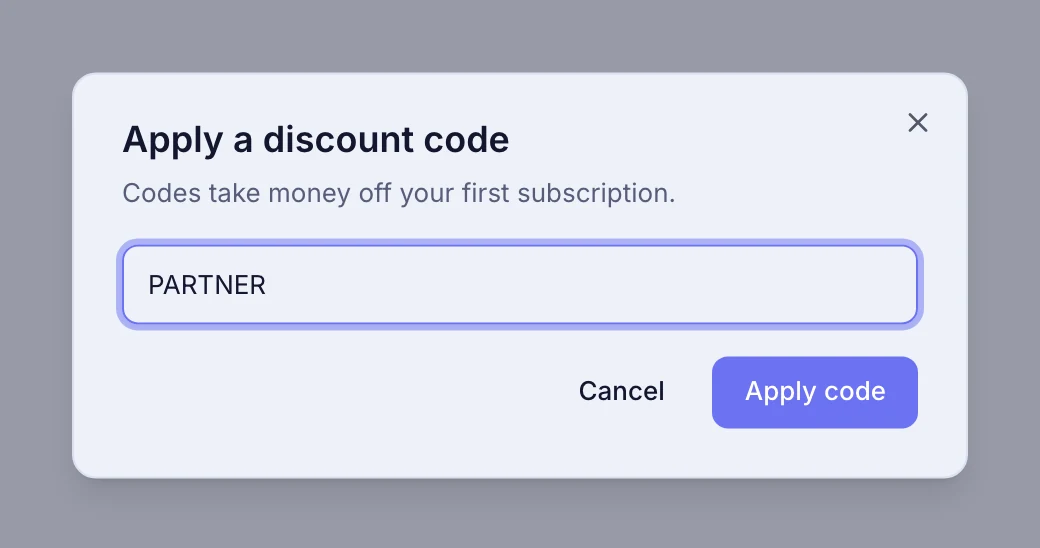
How to use a discount code on ReviewMySitesOpen the link or type the code on the Billing page, and see the discount on the price before you pay.Read the post
Send website feedback to the chat apps your team already usesSlack, Microsoft Teams, Google Chat and Discord: what each one does, and the steps to connect it.How to send website feedback to SlackEvery new comment as a card with its screenshot, kept up to date, with replies and changes in its thread.How to send website feedback to Microsoft TeamsPaste a Workflows link and every new comment arrives in the channel as a card with its screenshot.How to send website feedback to Google ChatA card for each new comment, and a thread for everything that happens to it after.How to send website feedback to DiscordCreate a forum channel and each comment becomes its own post, with replies and changes in its thread.How pins stay on the right elementYour site changes after the comment is left. Here is how a pin follows the element, and why it says so when it cannot.Why website feedback by email goes wrong“The button on the right looks weird on my phone.” What is missing from that email, and what a fixable report contains.A launch-week checklist for client reviewsWhat to do before you send the link, while comments come in, and after the deadline.