A client review goes well or badly mostly because of what happens before anyone leaves a comment. Here is the checklist we would use for a launch-week review, whatever tool you use.
Before you send the link
- Review it yourself first
Walk every page at desktop and phone width and fix the obvious things. Every typo the client finds is one they stop to write about instead of looking at what matters.
- Decide what you want feedback on
Copy and images? Layout? Everything? Say so in one sentence. “This round is about the words, the design is signed off” saves a lot of comments about colours.
- Choose who reviews
One decision-maker plus the people who own the content usually works. Ten reviewers means ten opinions on the same heading.
- Set a date
“Comments by Thursday” turns a review into a task. Without it, feedback trickles in for weeks.
Send one link, with three lines
Keep the message short enough to read on a phone:
- Where
The link to the site, ready to comment on.
- What
The one sentence about what this round is for.
- How
“Click the thing you want changed and say what you would like instead.”
?rms works for people you already added. More in Share with clients and your team.While comments come in
- Ask for one point per comment
“Change the heading, swap the photo and the button is too small” is three tasks hiding in one. Separate comments can be done, and closed, separately.
- Ask them to check on their phone
Most visitors arrive on a phone, and most reviewers review on a laptop. One pass on a phone finds the problems nobody else will.
- Answer questions where they were asked
Reply on the comment, not in a separate email, so the answer stays next to the thing it is about.
After the deadline
- Sort before you fix
Go through everything once: fix, discuss, or not this round. Ten minutes of sorting saves hours of fixing the wrong things first.
- Close the loop
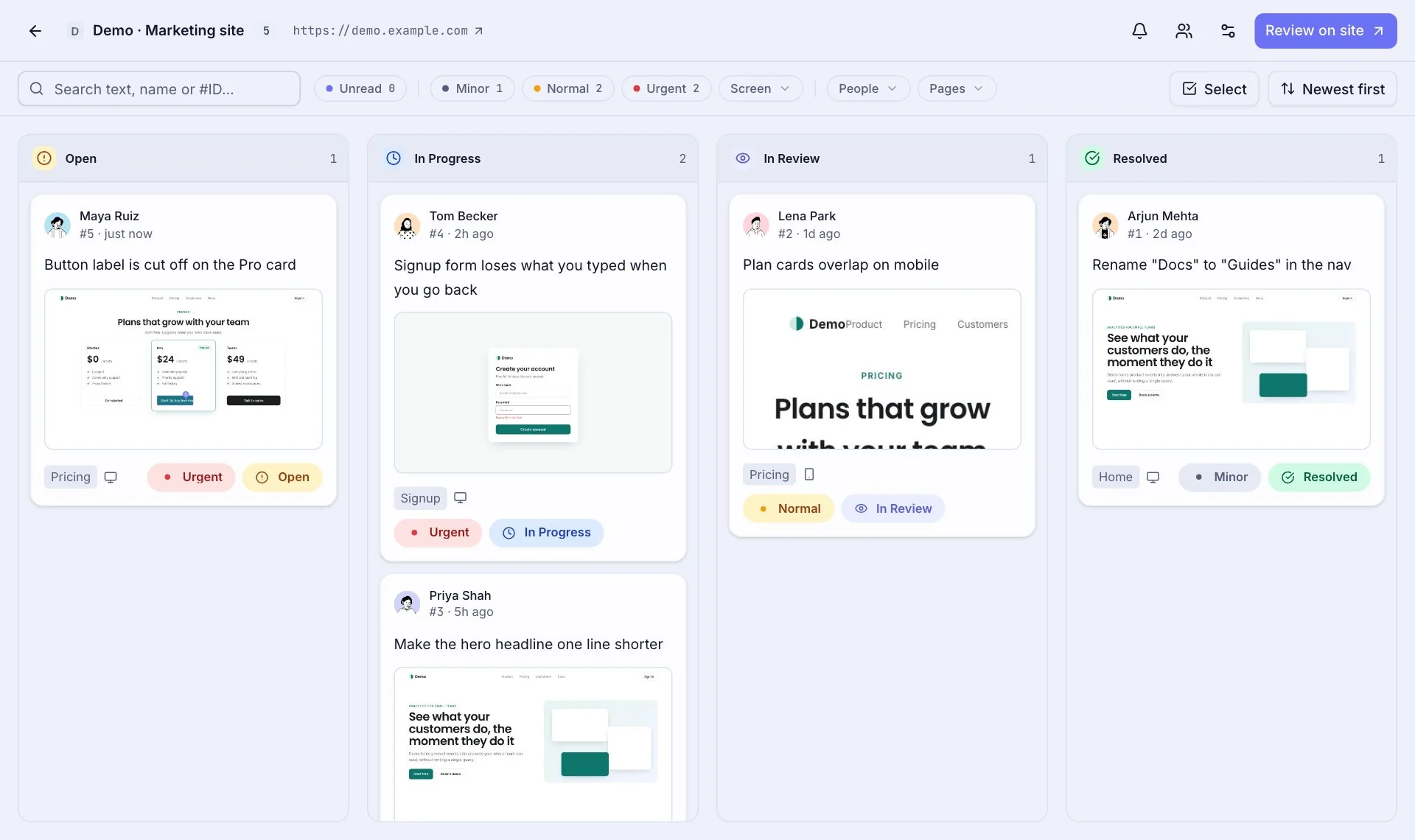
When a fix is live, move it to In Review and let the person who asked confirm it. Their “yes” is what resolves it, not yours.
- Keep the record
The list of what was asked and what was done is useful later, when someone asks why the button is green.
None of this needs special software, but pinned comments make every step shorter. If you want to try it on your next review, getting started takes about five minutes.