Docs
Everything you need to run a review.
Short guides, written against the product as it is today. Start with the first one; it takes five minutes.
Getting started
Create a project, paste one line into your site, open a review link, and click on what you want changed. Your first pinned comment, start to finish.
Read the guide
Start here5 guides
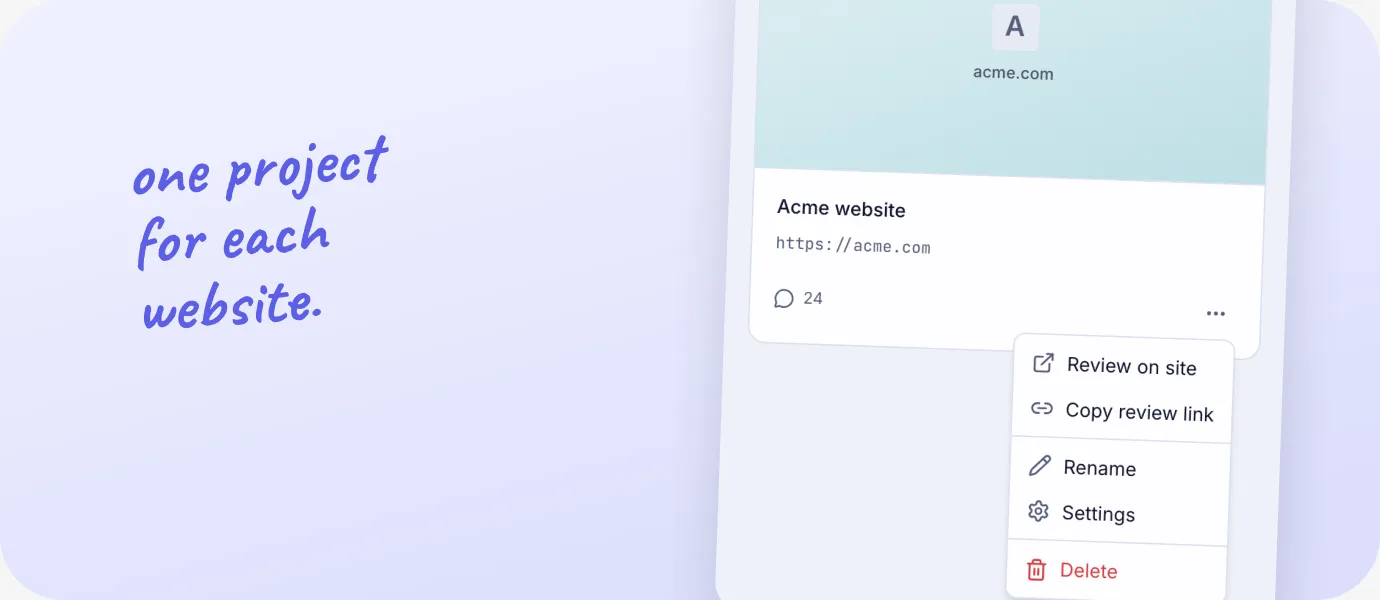
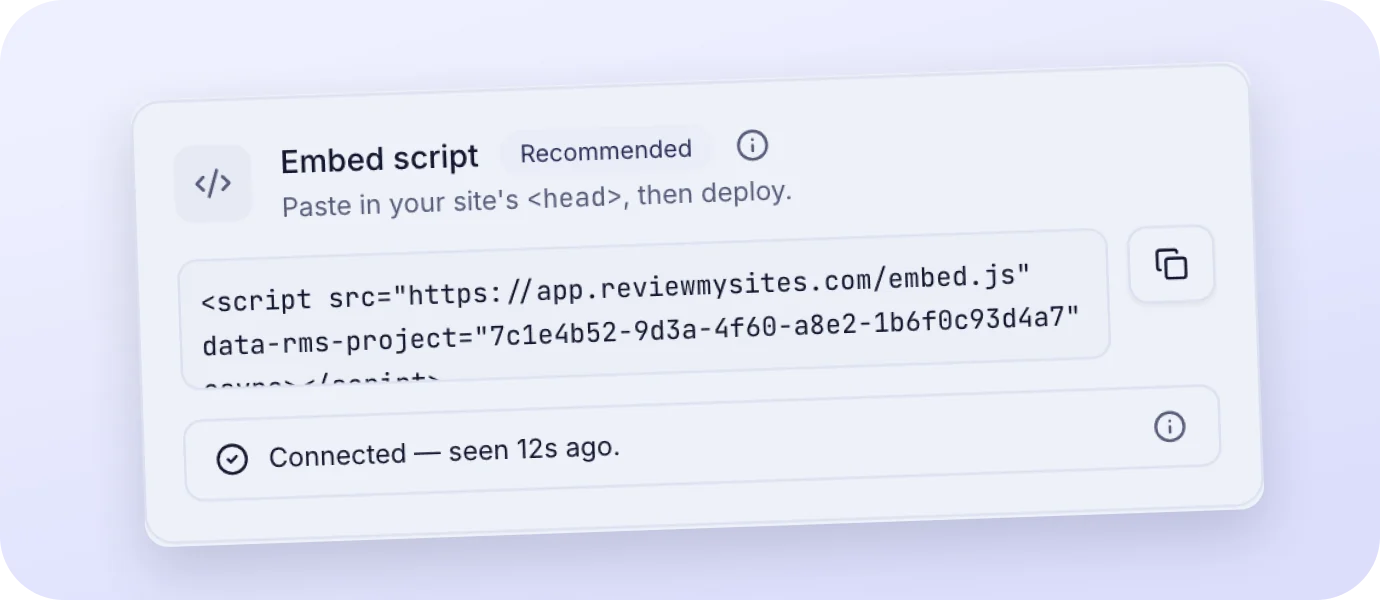
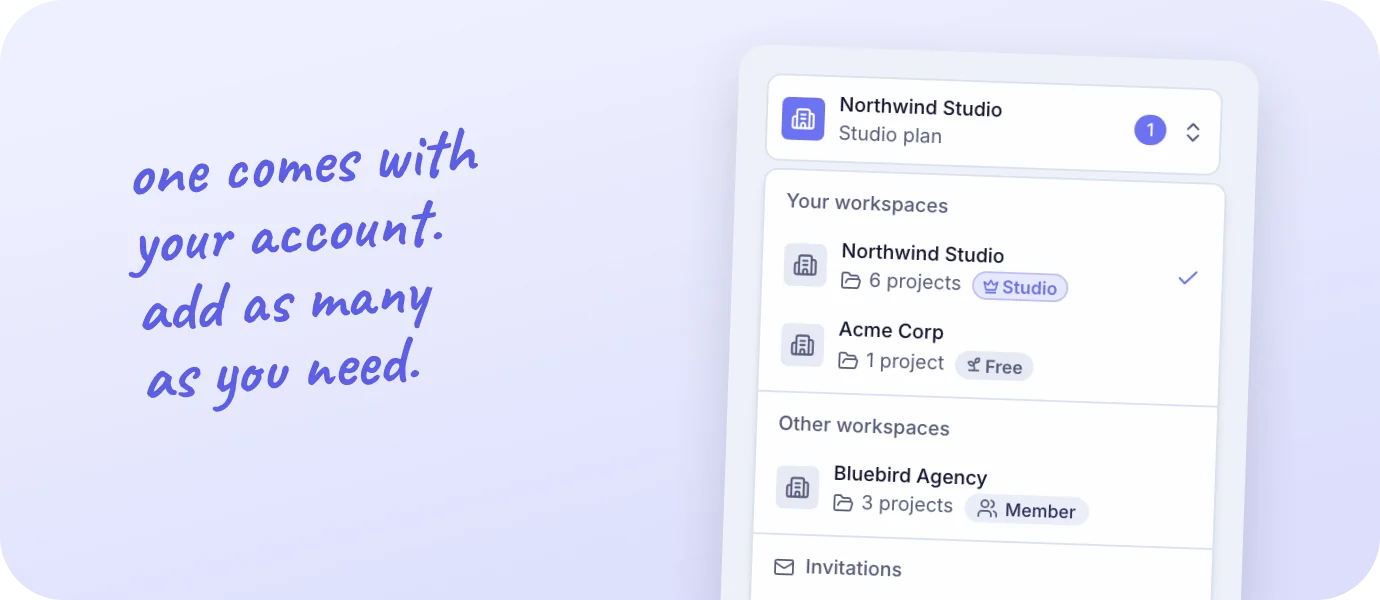
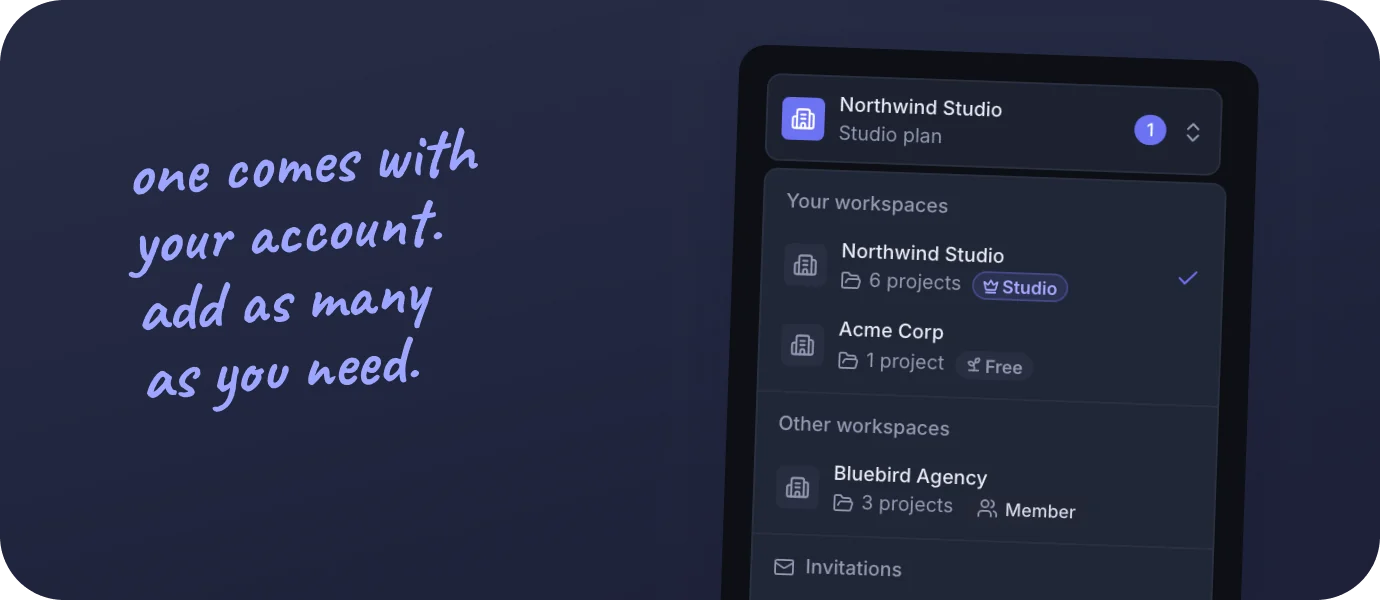
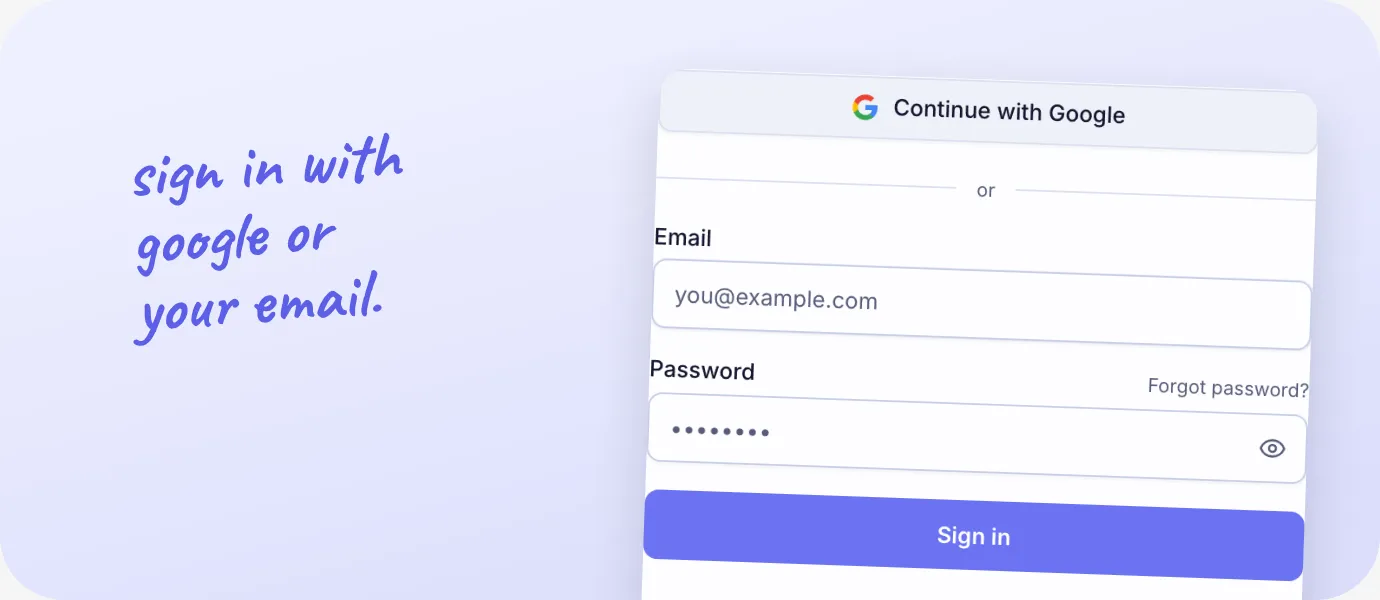
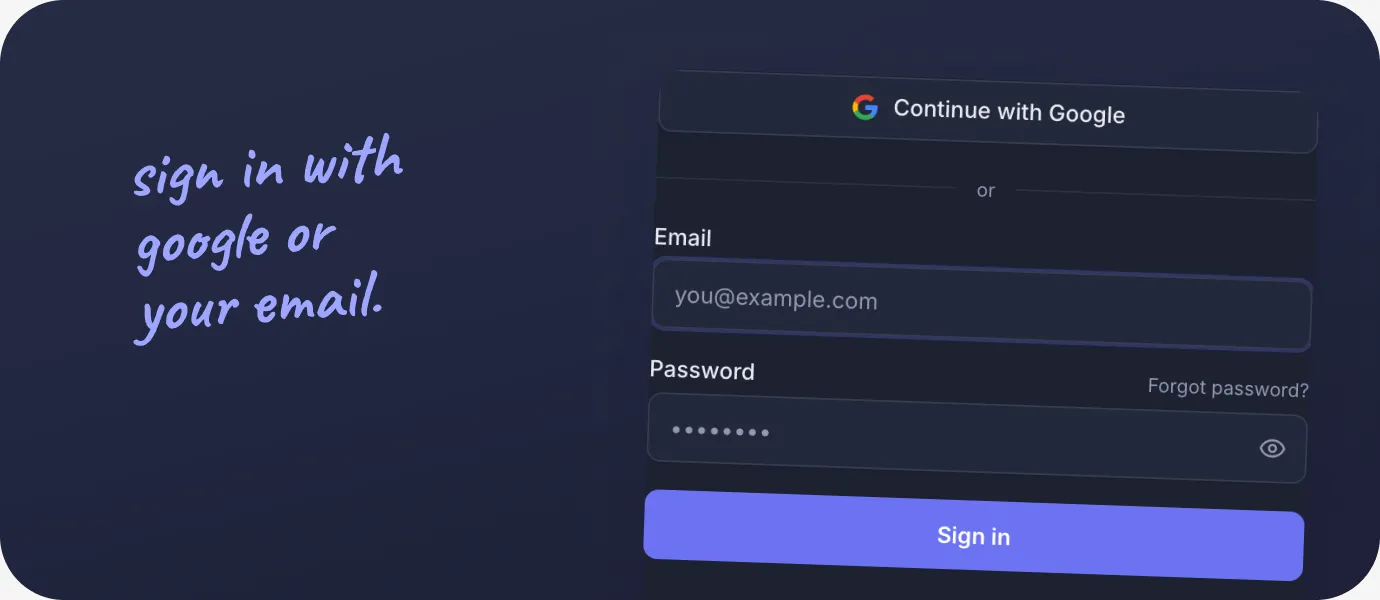
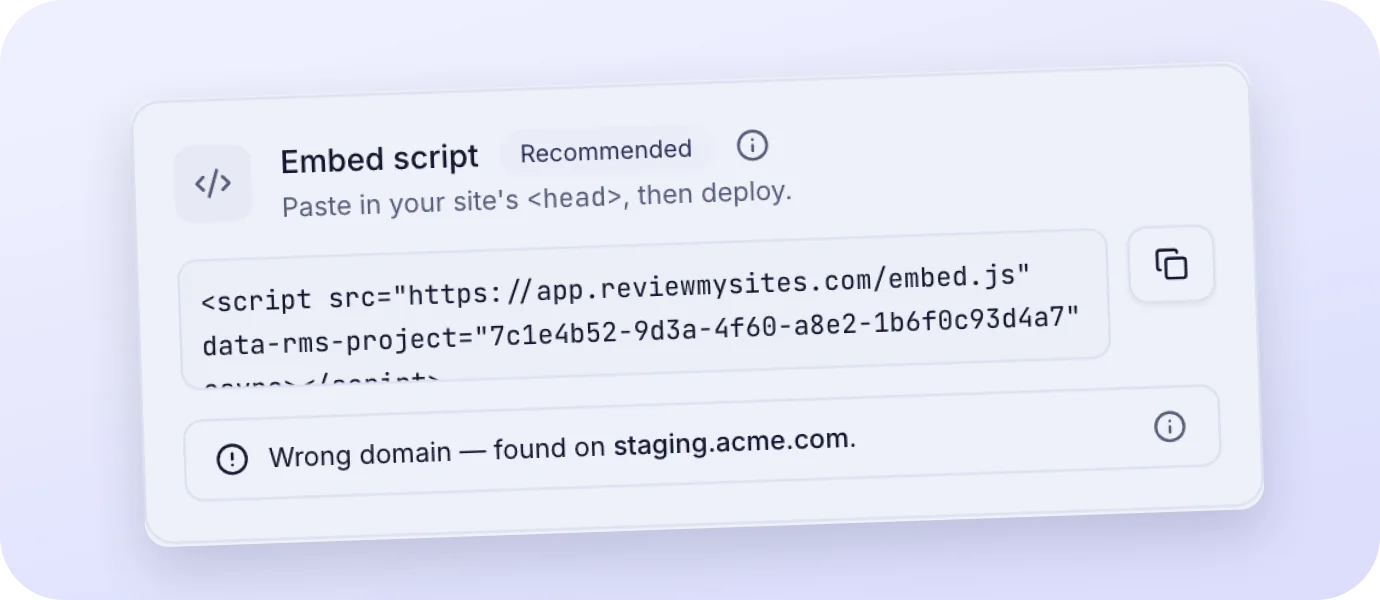
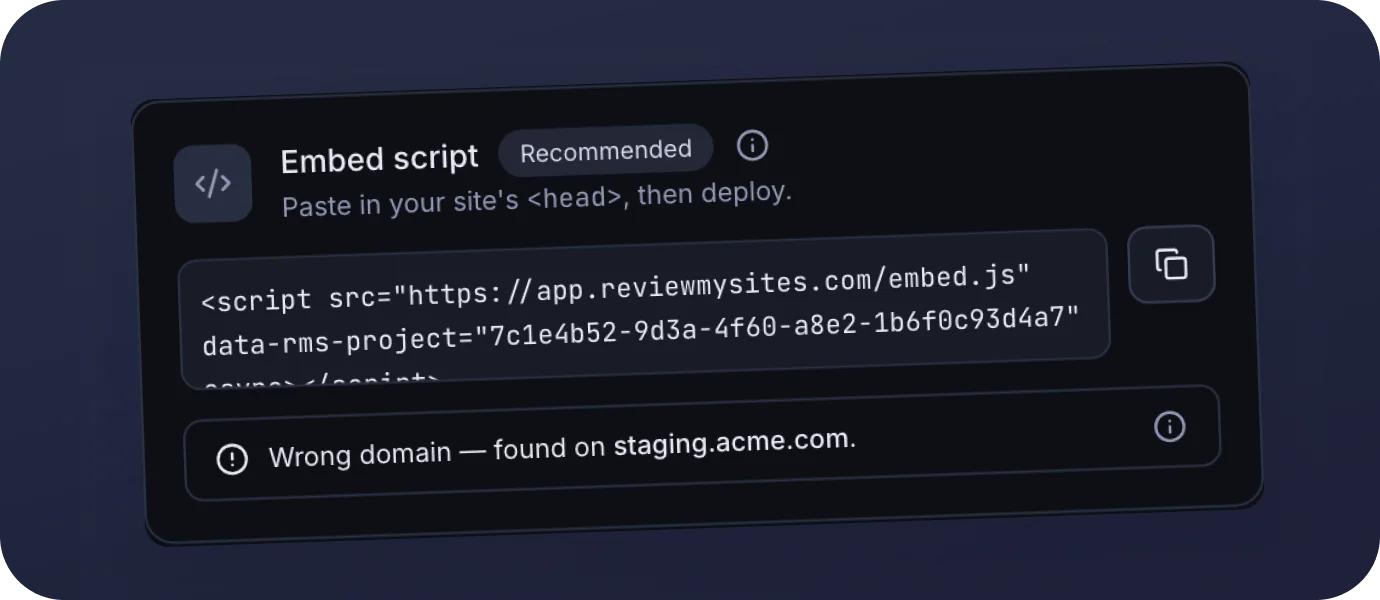
Getting startedFrom sign-up to your first pinned comment in about five minutes.ProjectsOne for each website: creating one, the one-address rule, the menu on a project card, and the project ID.Add the script to your siteOne line in your site’s head. Webflow, WordPress, Framer, Shopify, Wix, Next.js and more.WorkspacesOne comes with your account. Create as many more as you need, each with its own projects, people and plan.Your accountSigning in with email or Google, your profile and appearance, signing out, and deleting your account.
Reviewing4 guides
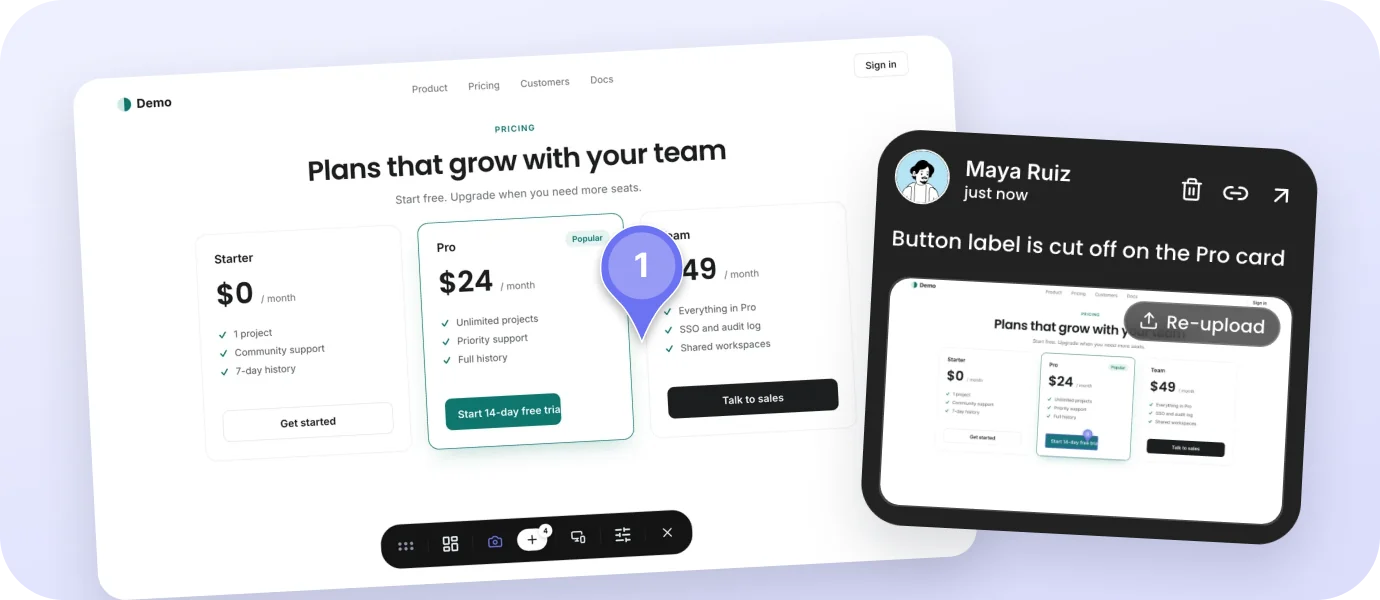
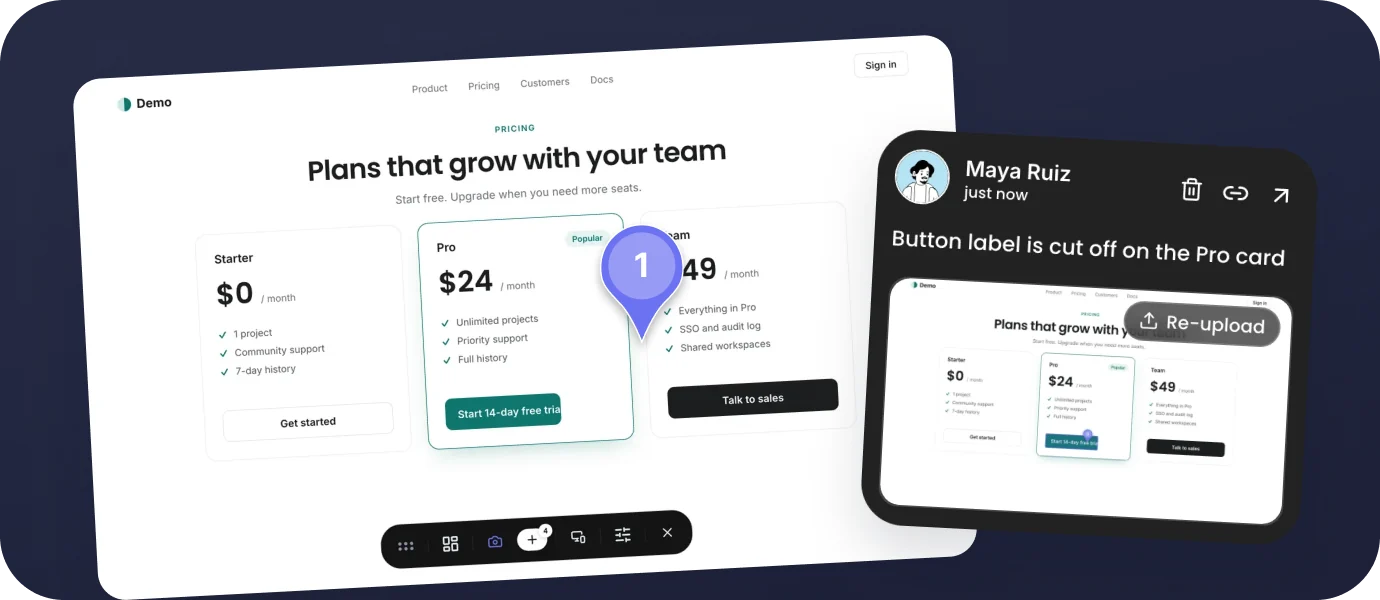
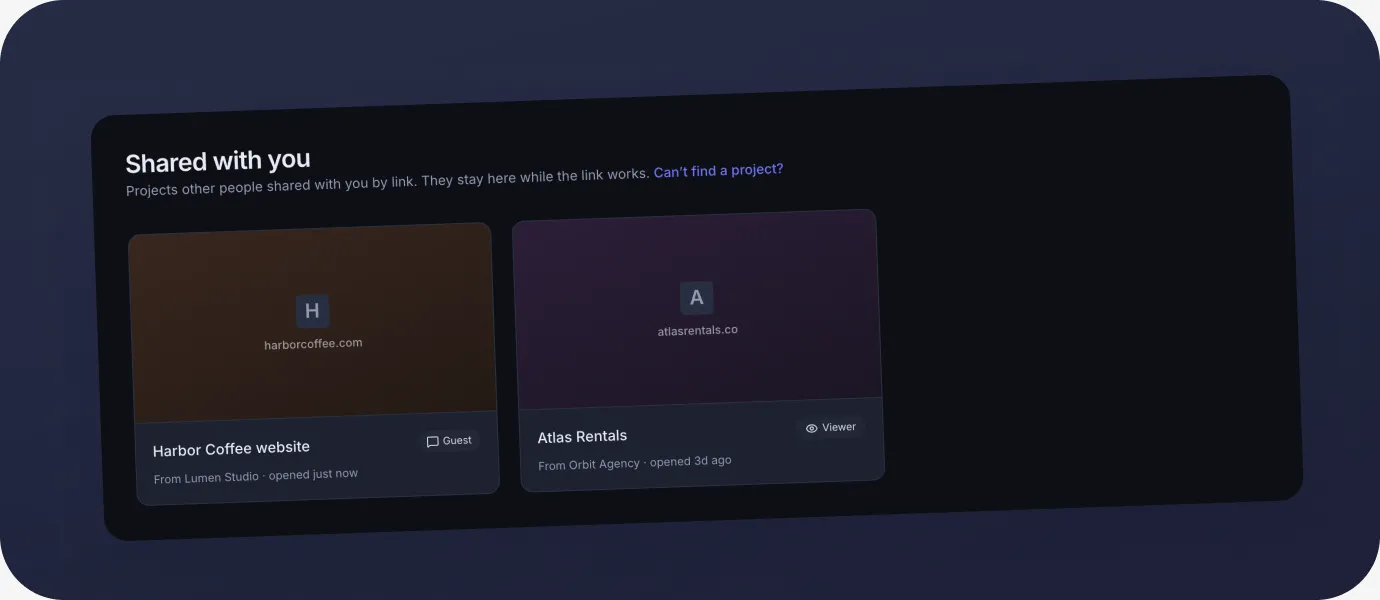
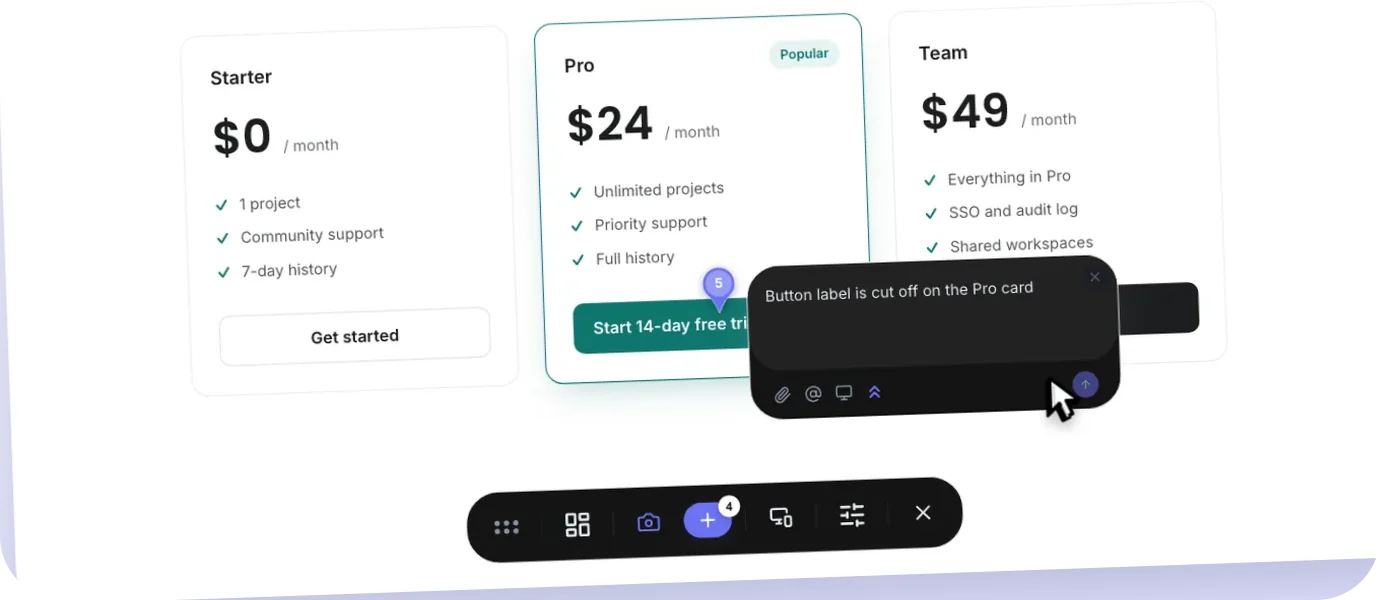
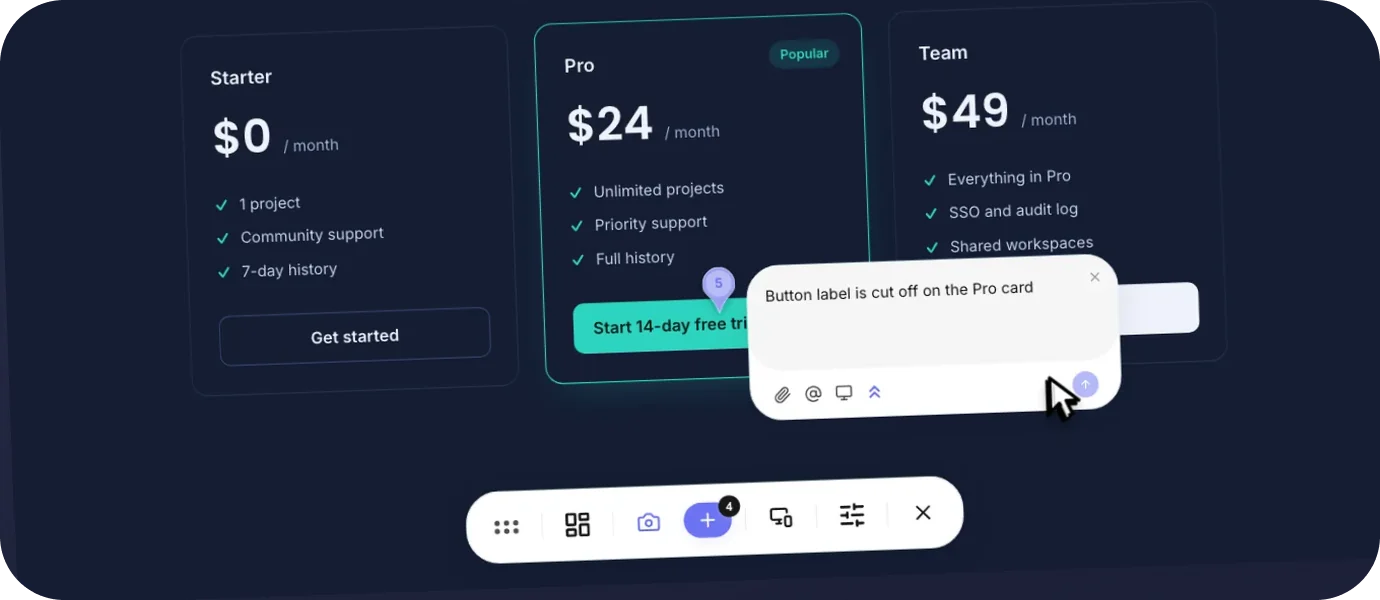
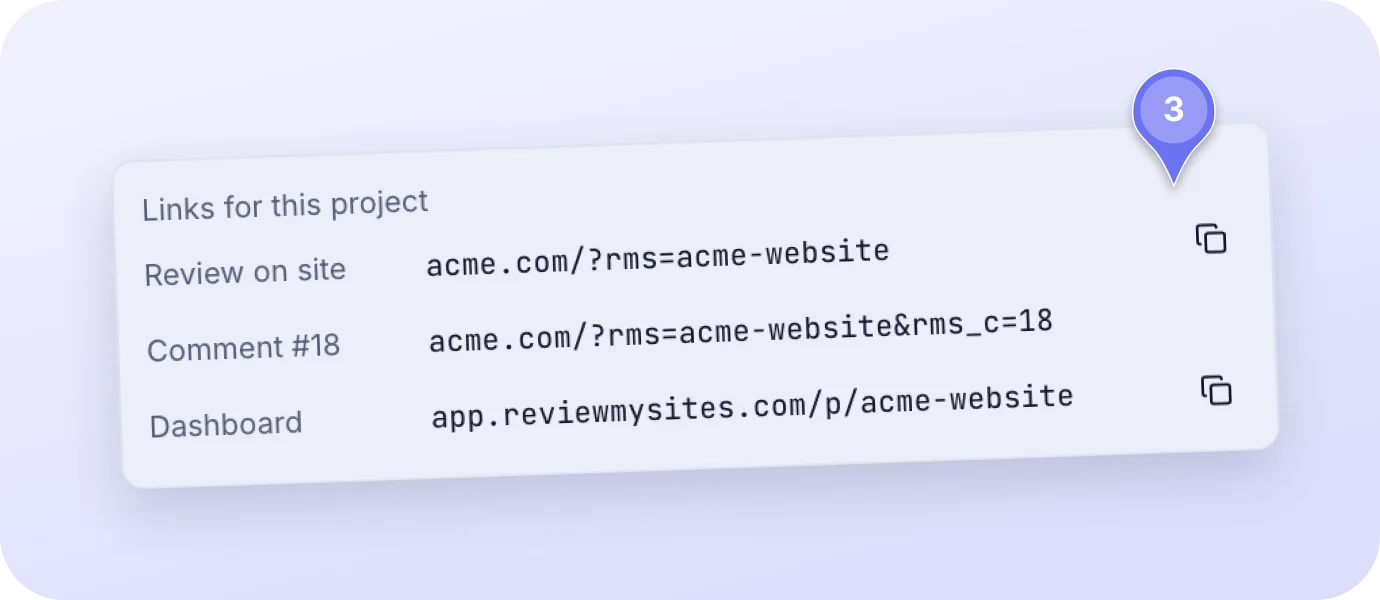
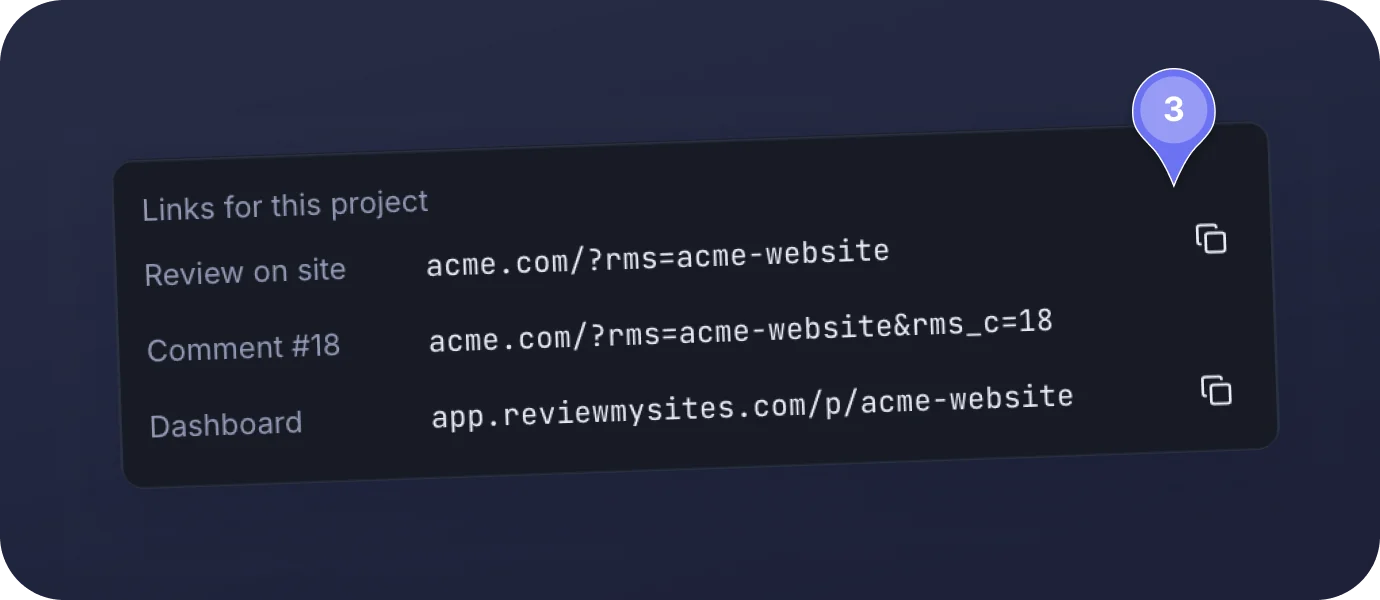
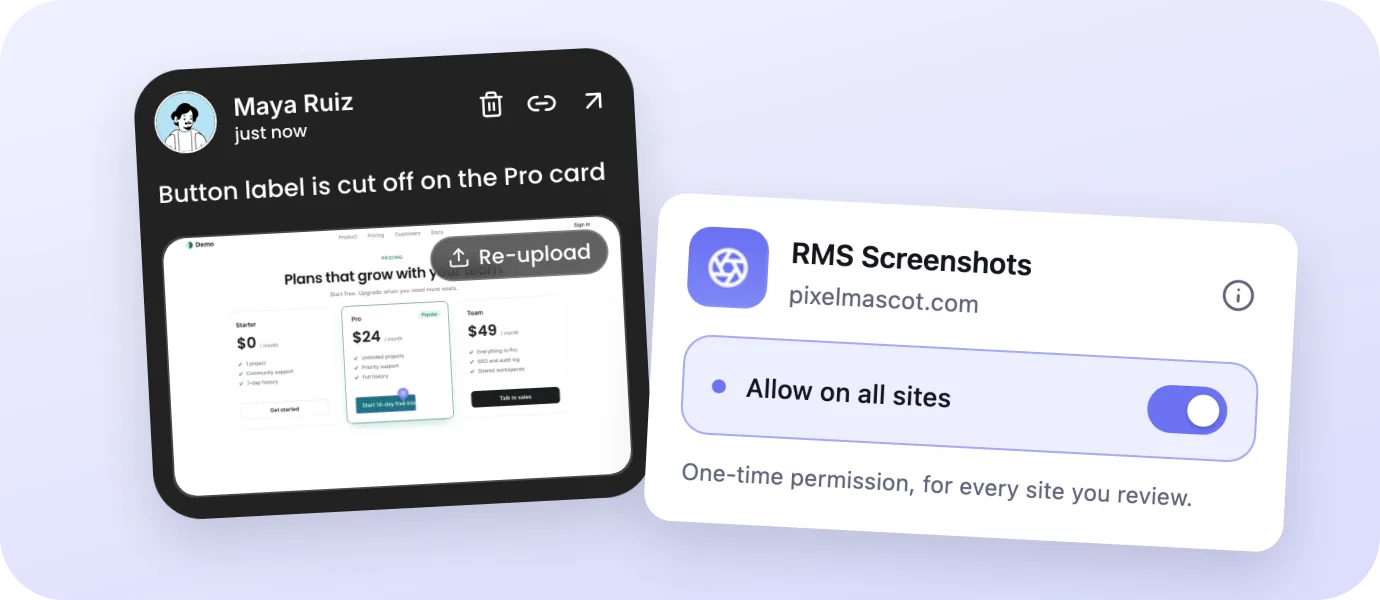
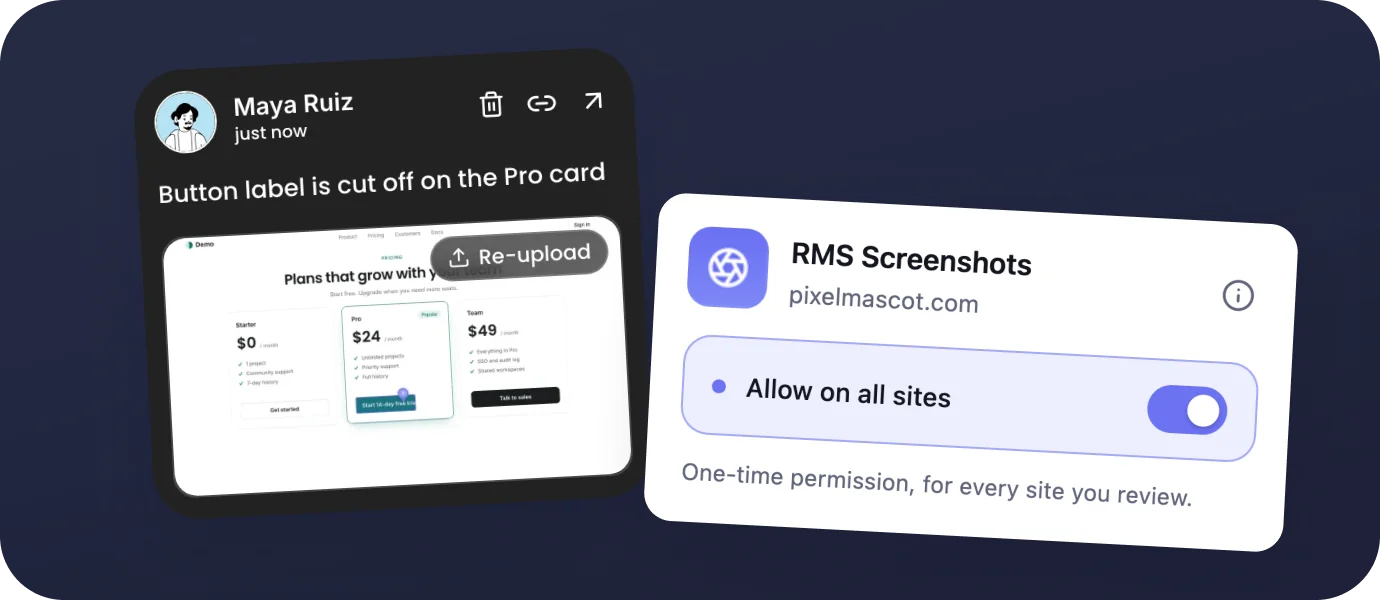
Reviewing as a clientAsked to review a site? How you got in, finding the project again, and commenting without an account.Leave feedback with the review barComment mode, pins, screen sizes, and what goes along with every comment.Review linksThe ?rms switch, project IDs, and links straight to one comment.ScreenshotsWith the extension, with screen sharing, and on a phone.

Working together5 guides
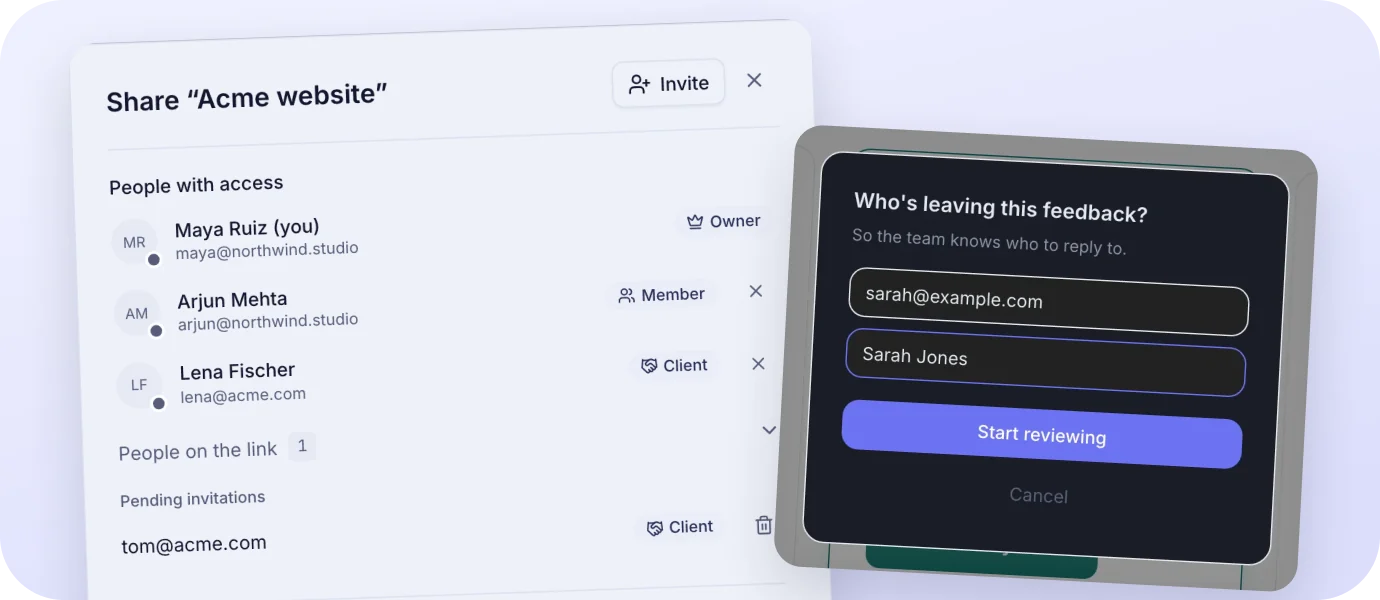
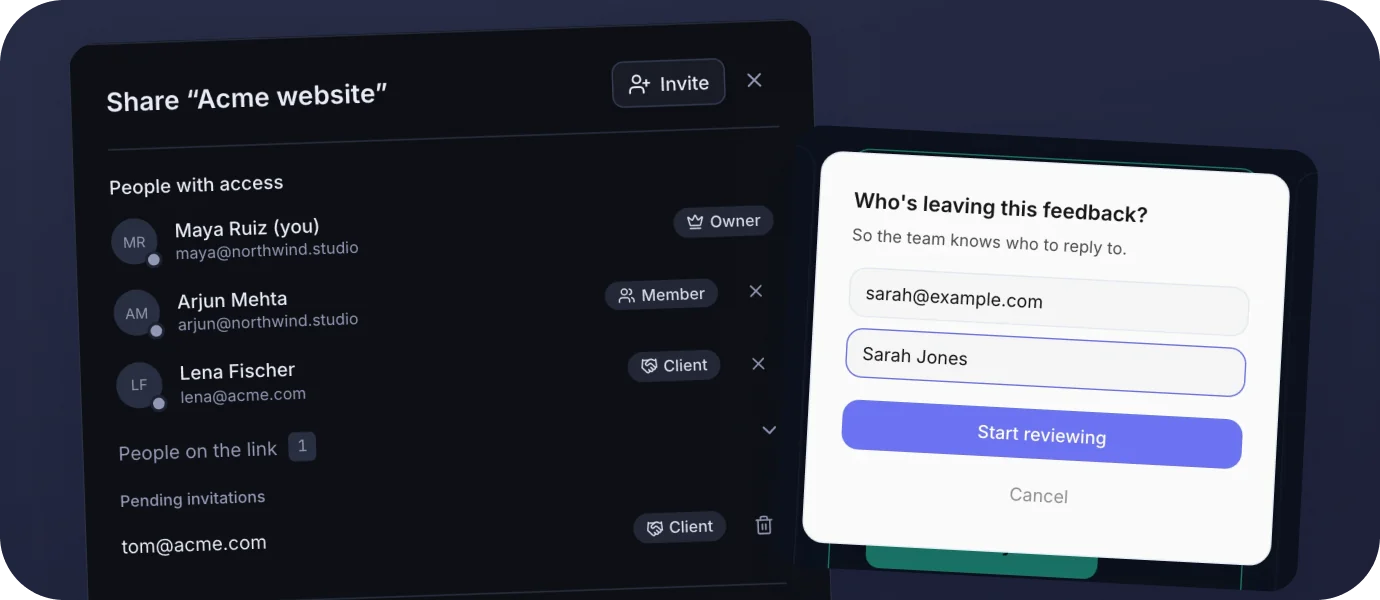
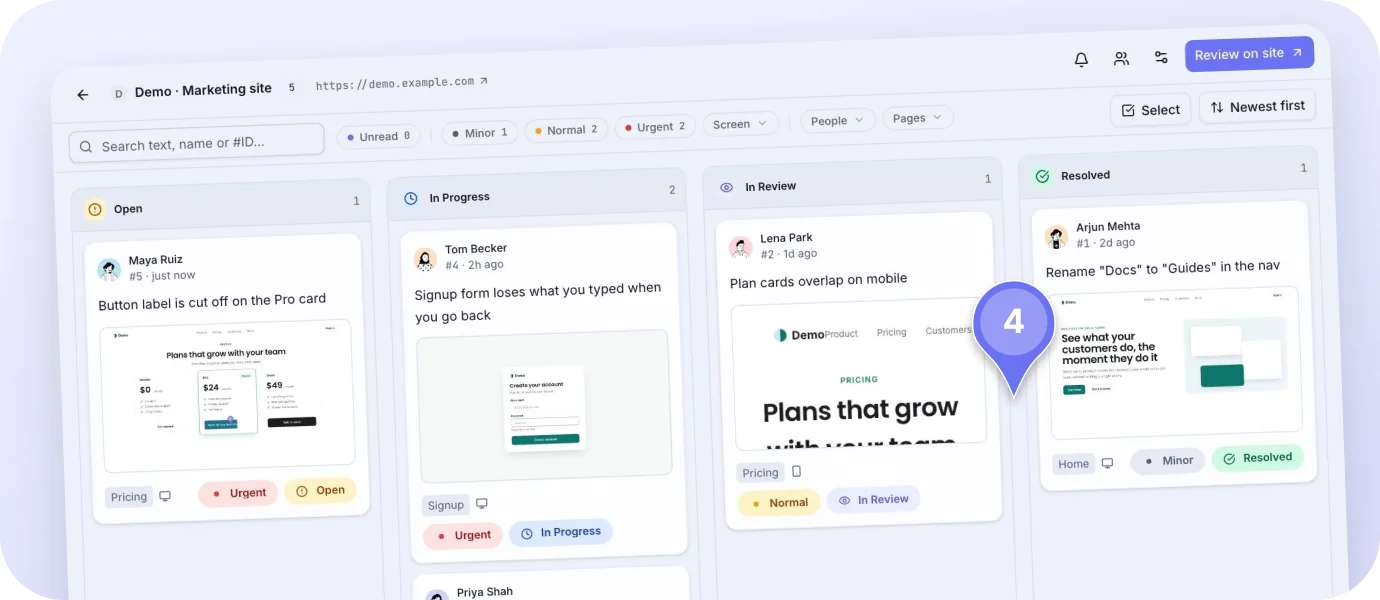
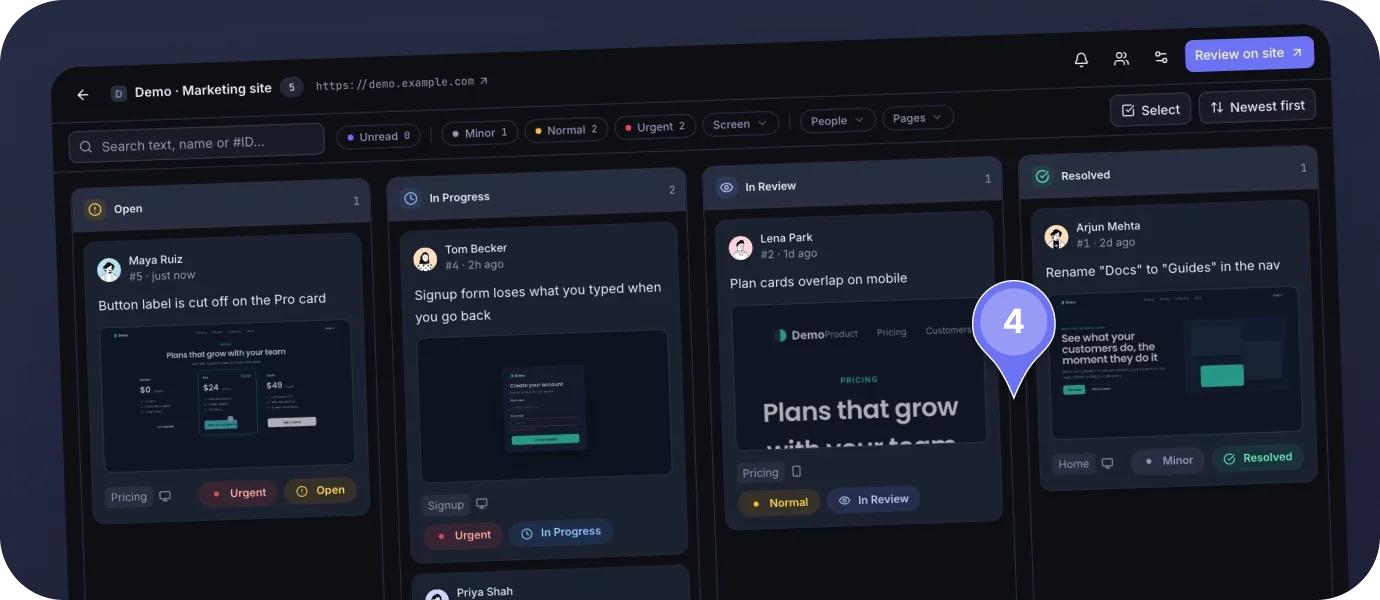
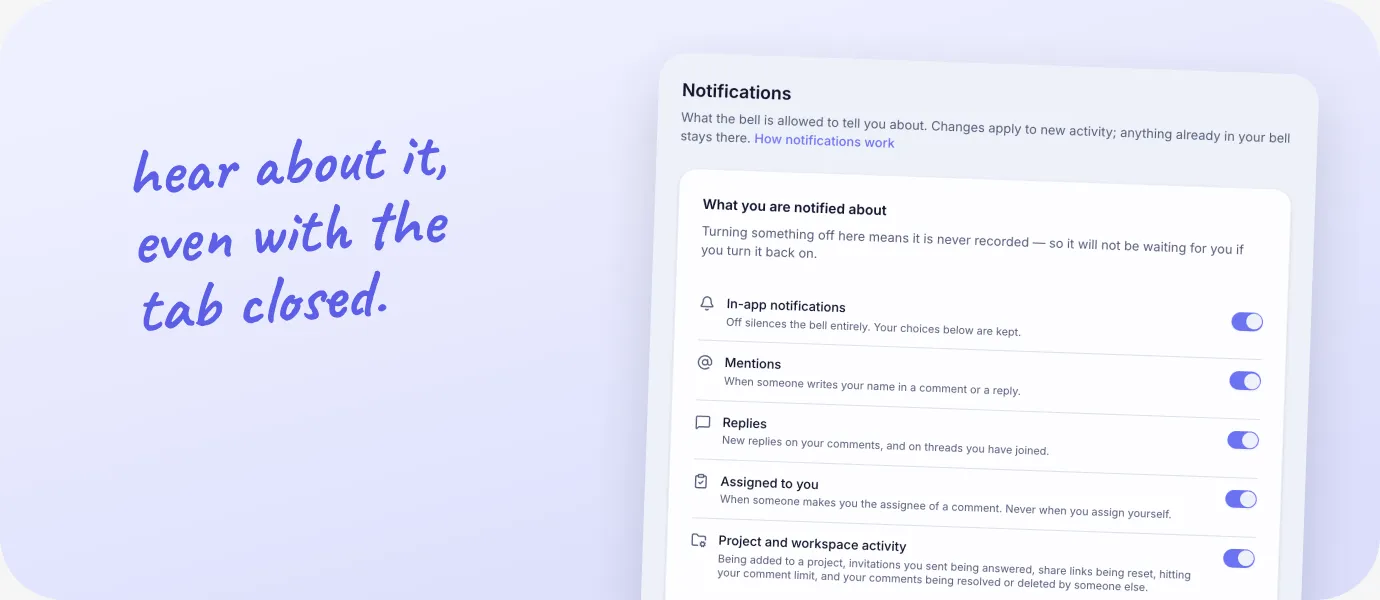
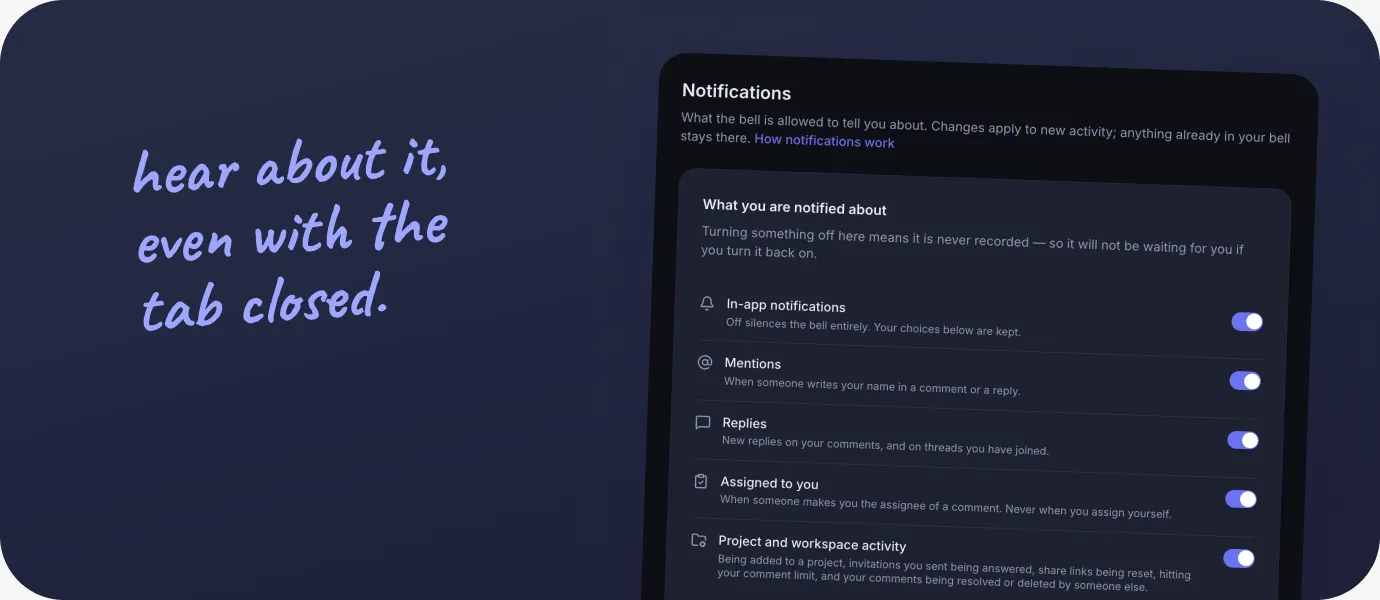
Share with clients and your teamRoles, the share link, guests, invitations and join requests.The boardStatuses, cards, assignees, due dates and tags, New card, filters, Group and the list view.NotificationsThe bell, Activity, what you are told about, and browser notifications on each device.IntegrationsEvery comment as a card in Slack, Microsoft Teams, Google Chat or Discord. Free on every plan.Project settingsGeneral, Install, Sharing & people, Workflow, Integrations and Advanced, and who can change them.
Developers1 guide
Help3 guides
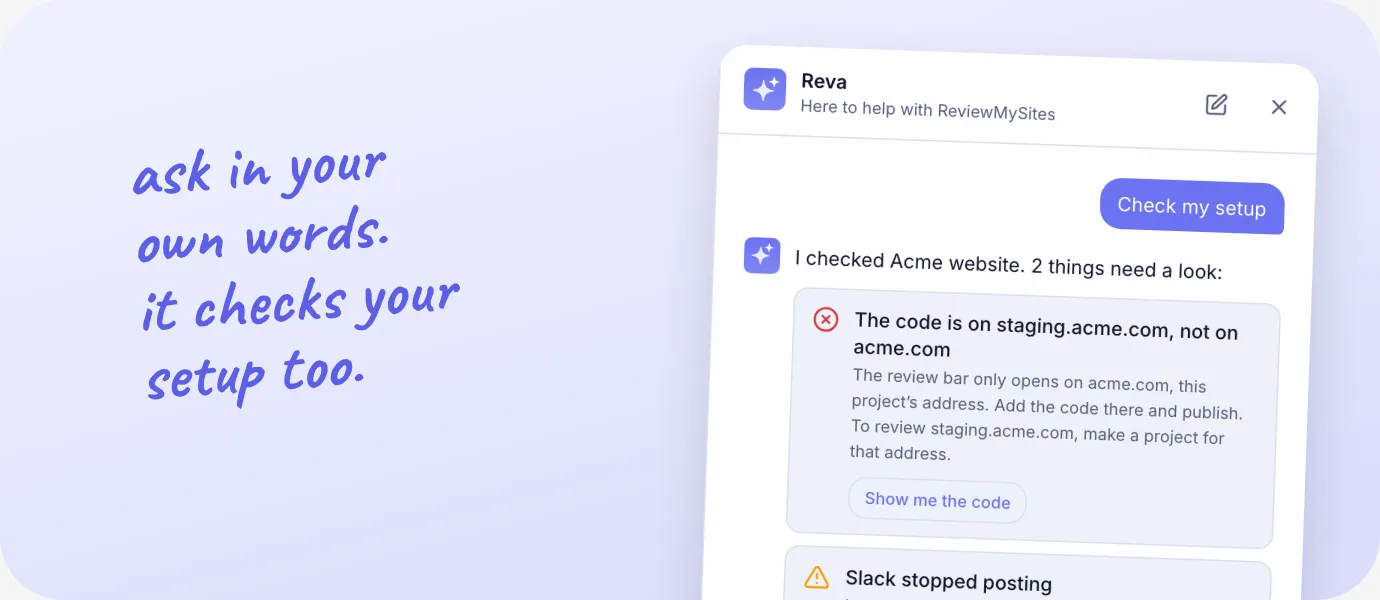
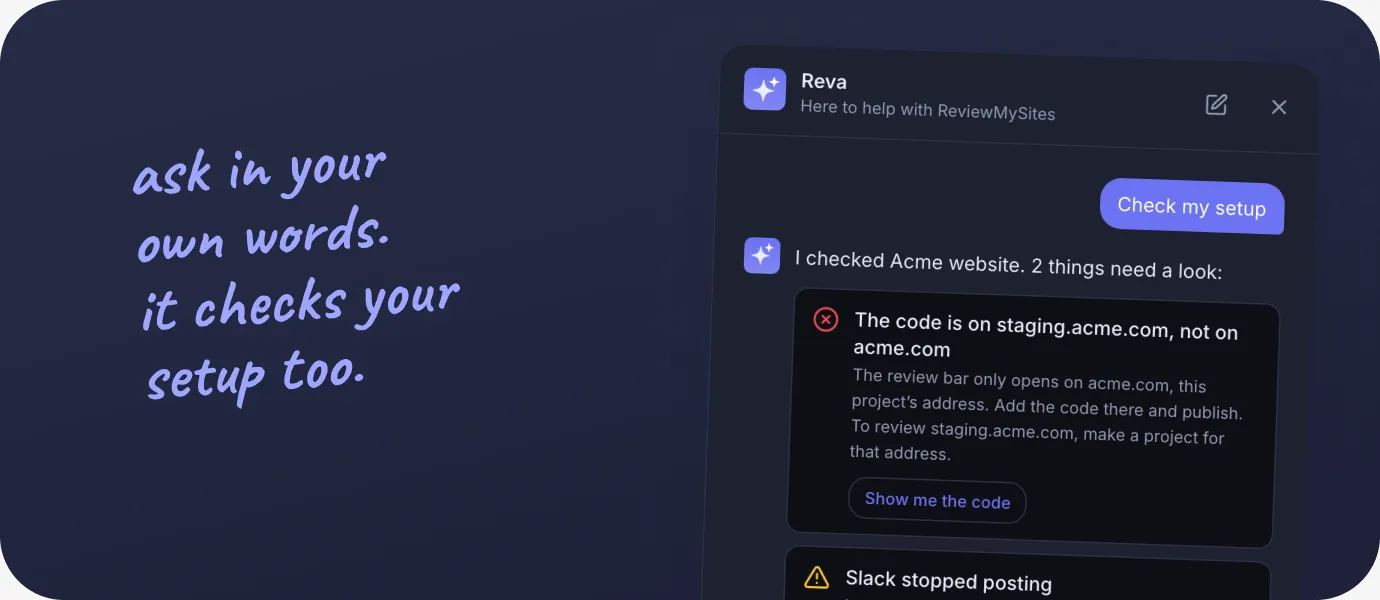
Can’t find it?
Ask us. A person reads every email, and the answer usually becomes the next guide.
Contact uswe write the next one for you